
WooCommerce Free Shipping Bar
Motivate customers to increase their order value by displaying a dynamic progress bar that shows how close they are to qualifying for free shipping.



Choose Where to Display the Free Shipping Bar
Control the visibility of the free shipping progress bar across your WooCommerce store to maximize impact and encourage higher order values

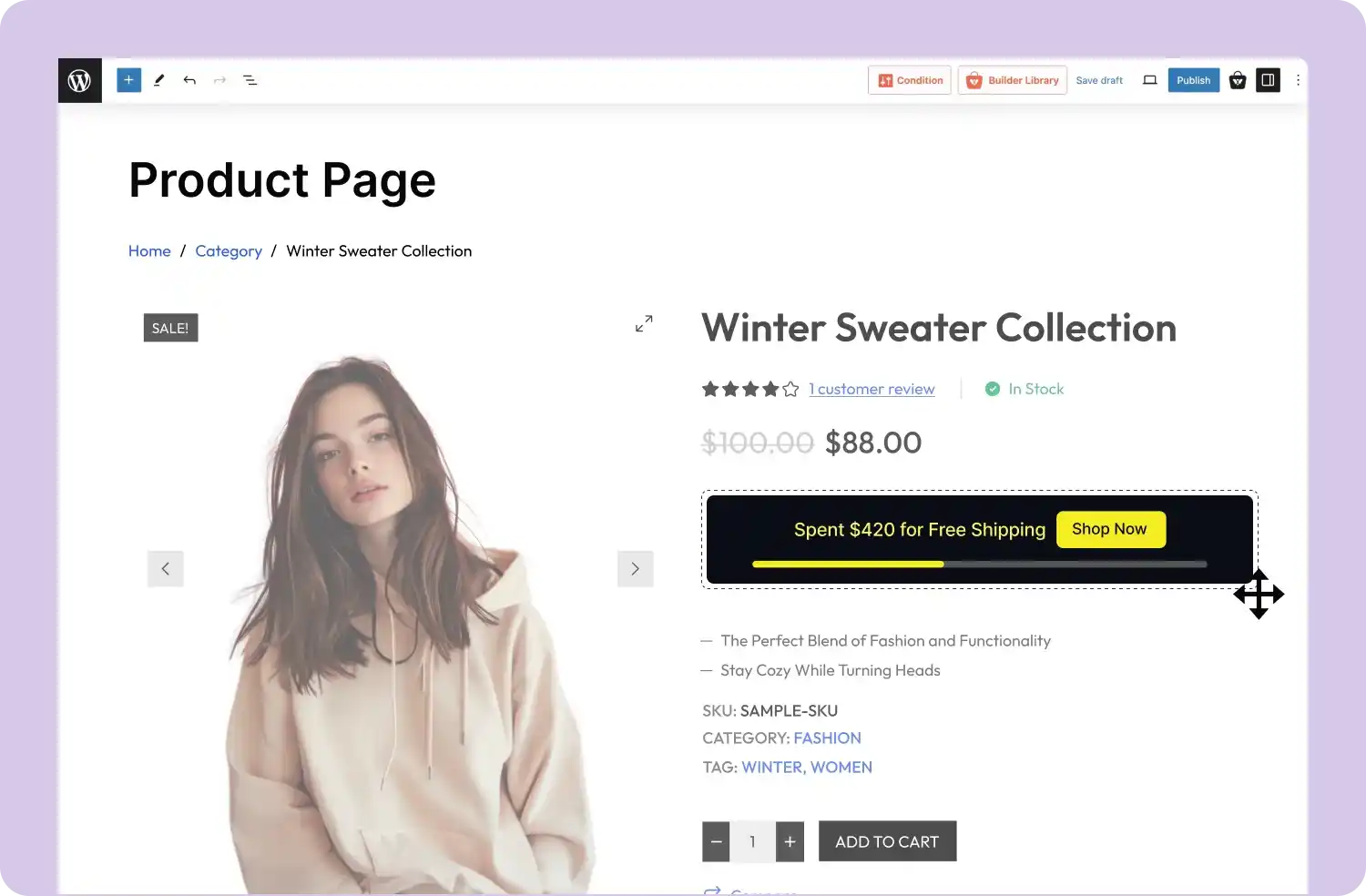
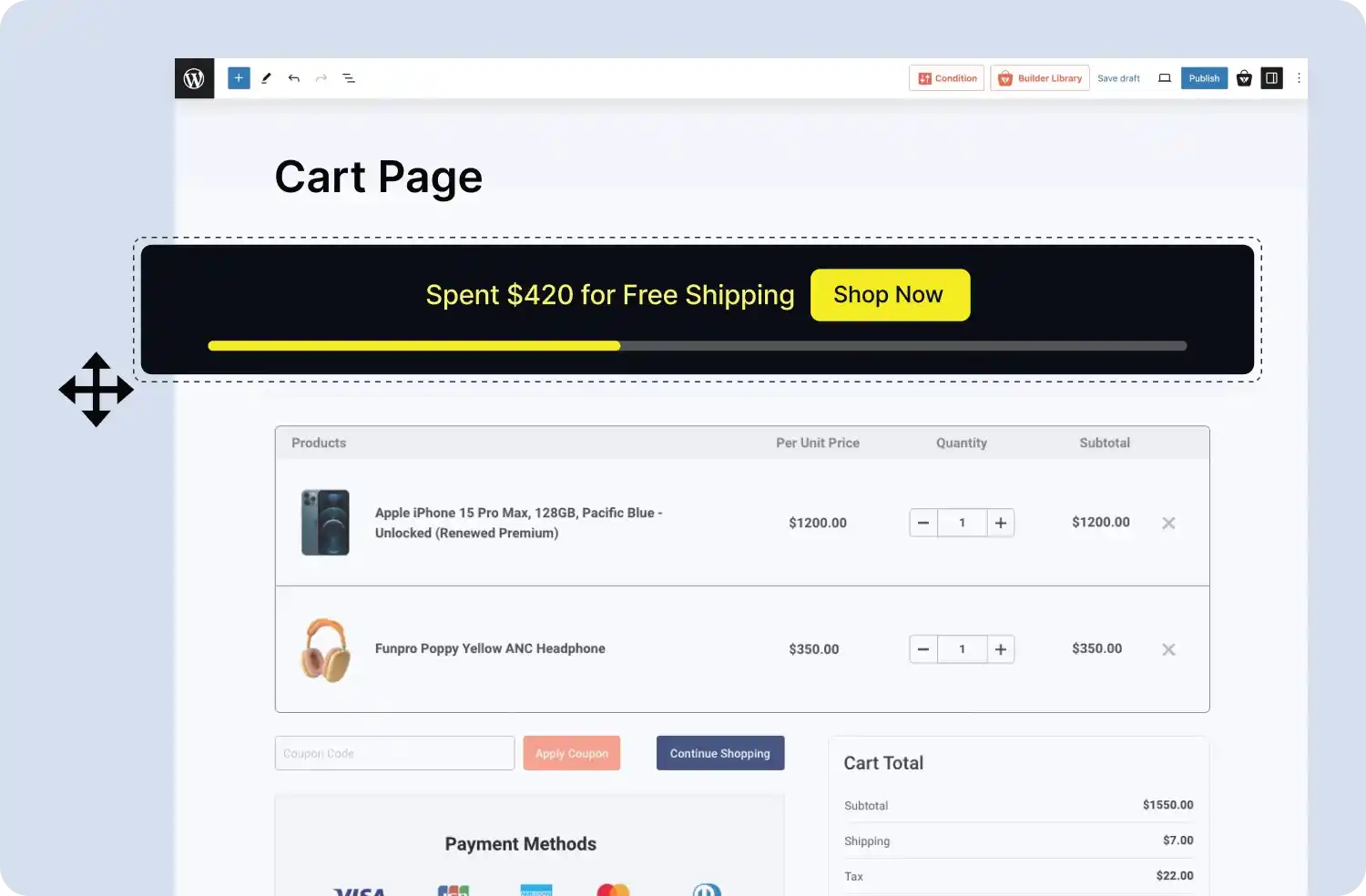
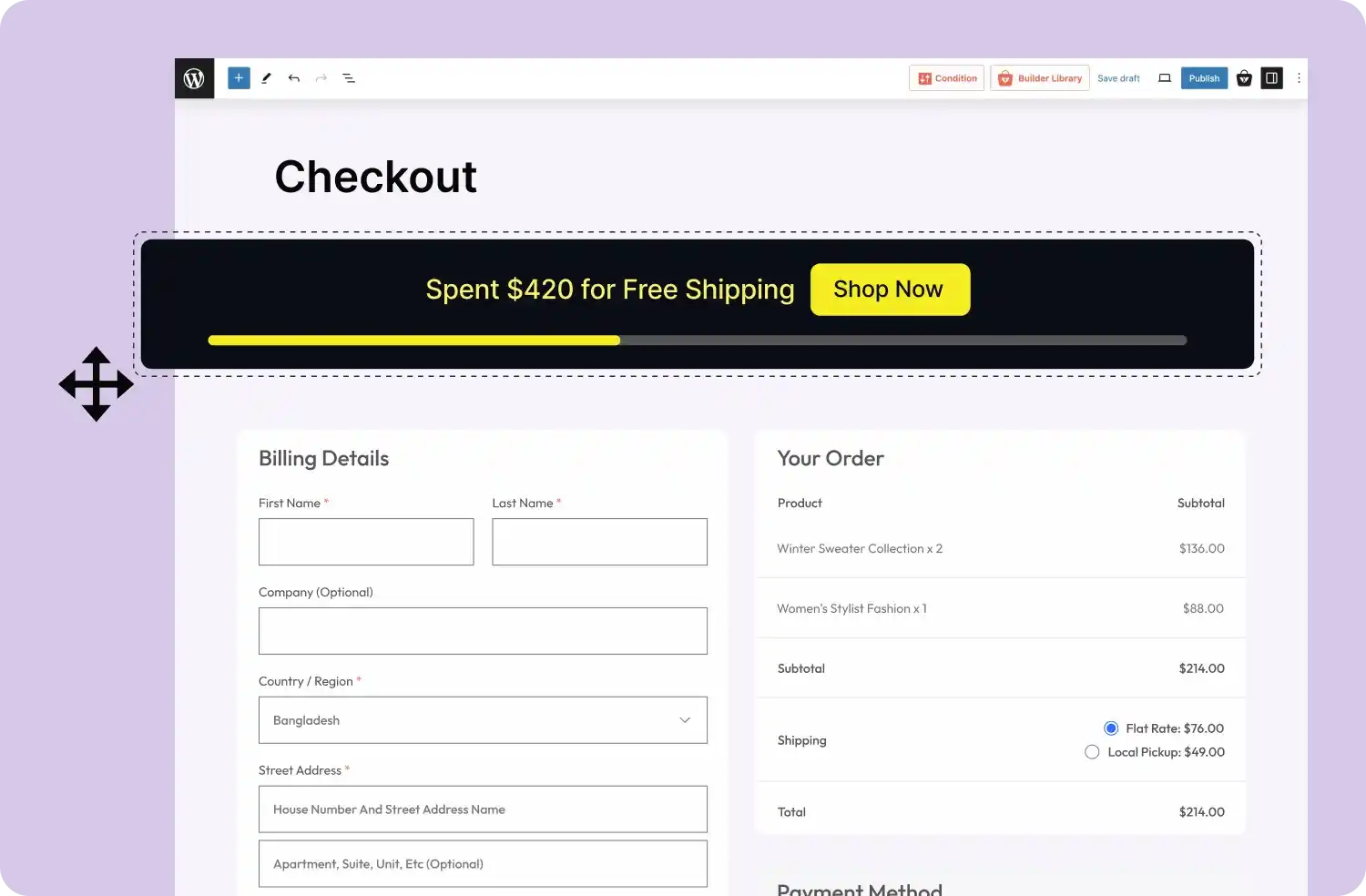
Select the Display Mode That Fits Your Store
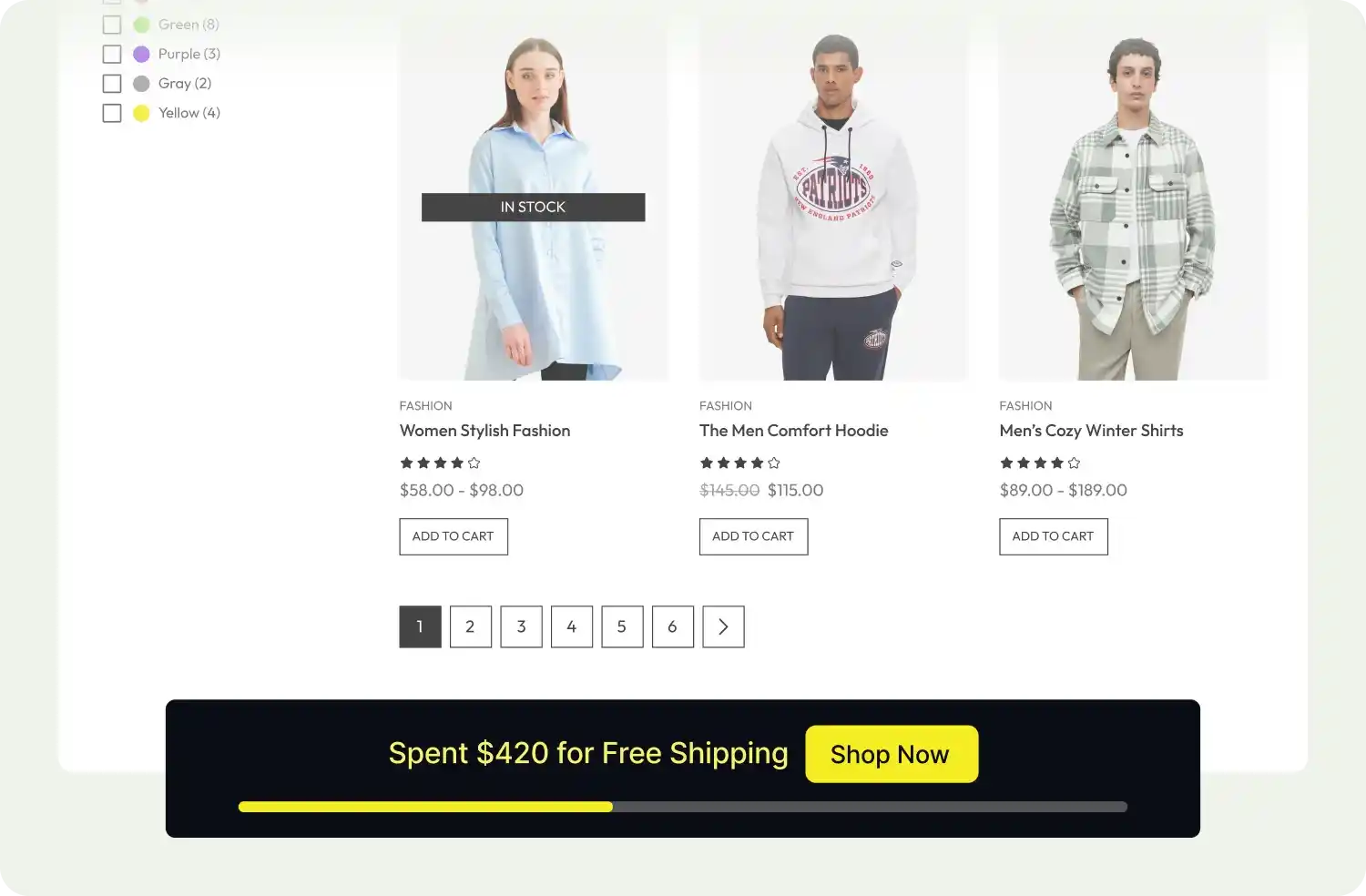
Choose the display mode for your free shipping progress bar: in-page, top, bottom, or drawer, to ensure maximum visibility and engagement
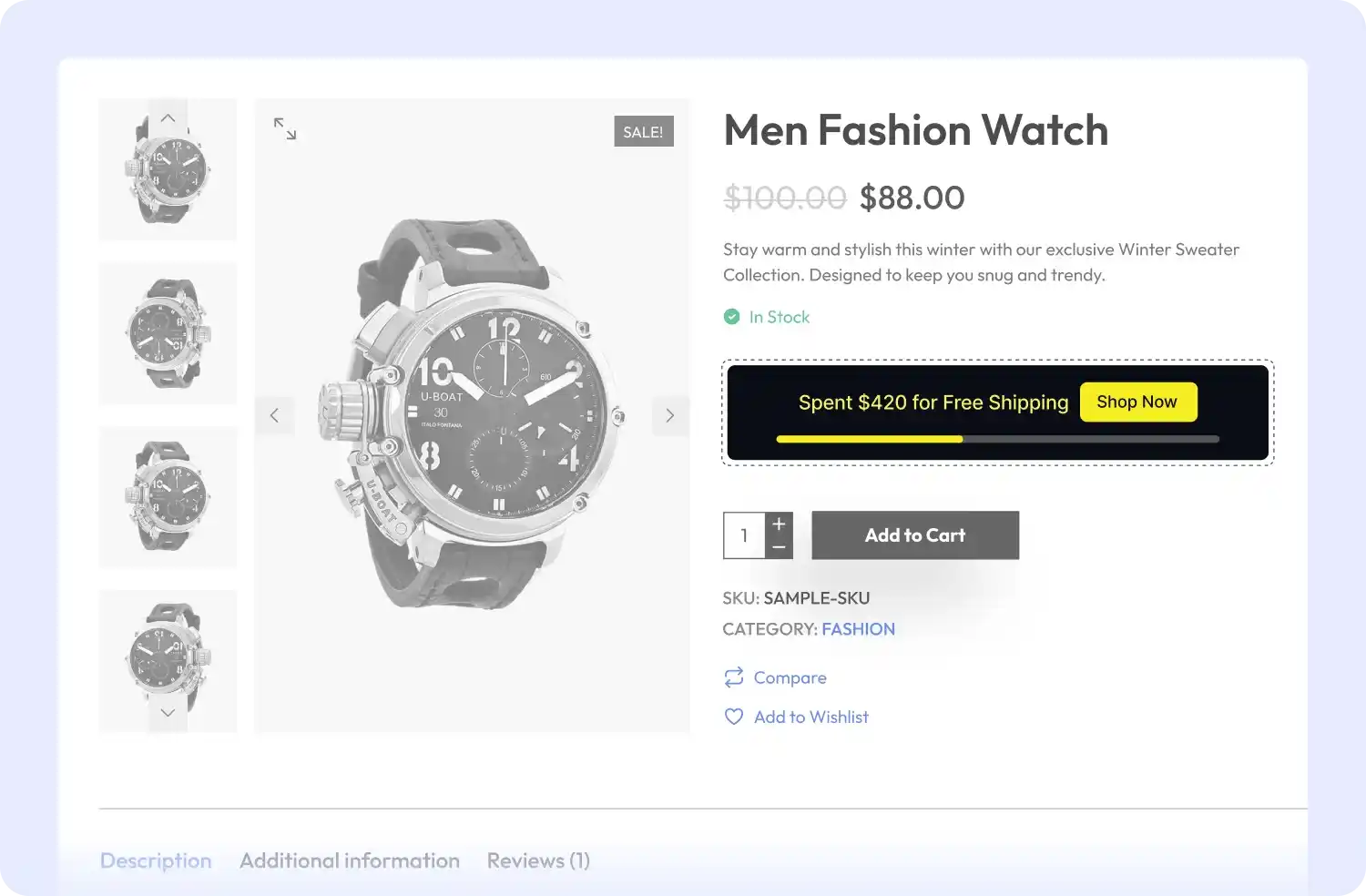

Set the Minimum Spend for Free Shipping
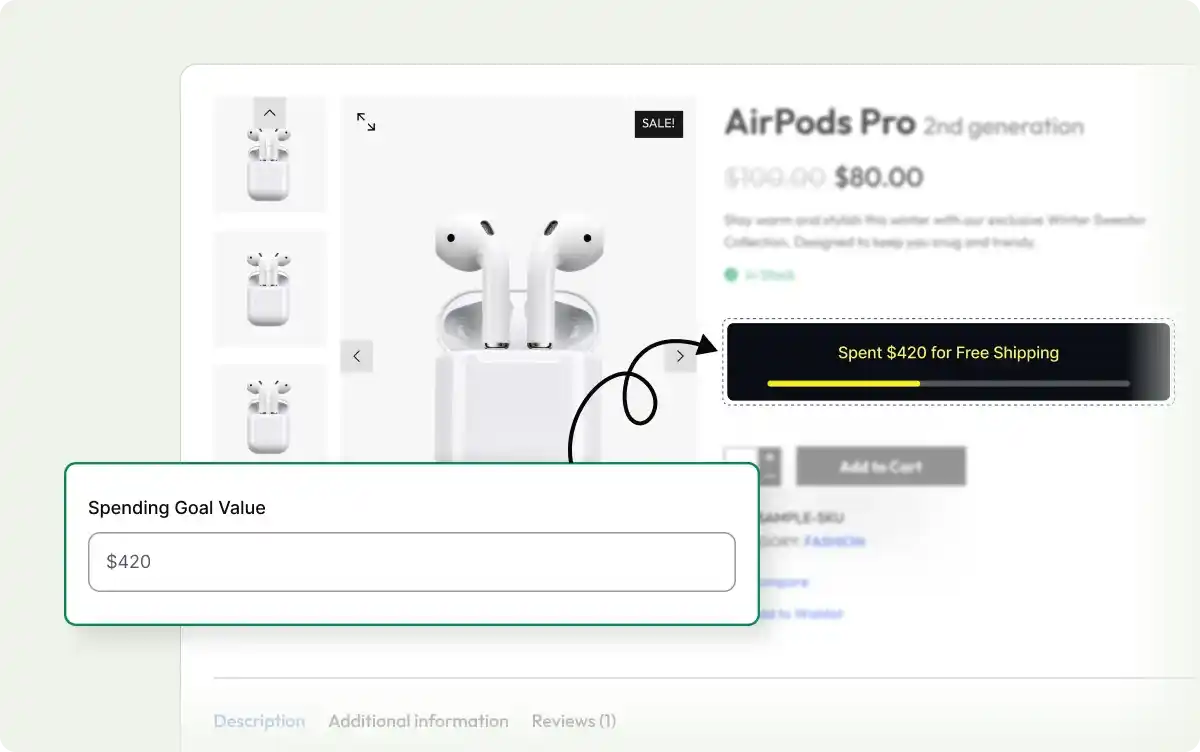
Define the minimum spend required for free shipping, motivating customers to add more items to their cart and increase their order value.
Add a Call-to-Action Button
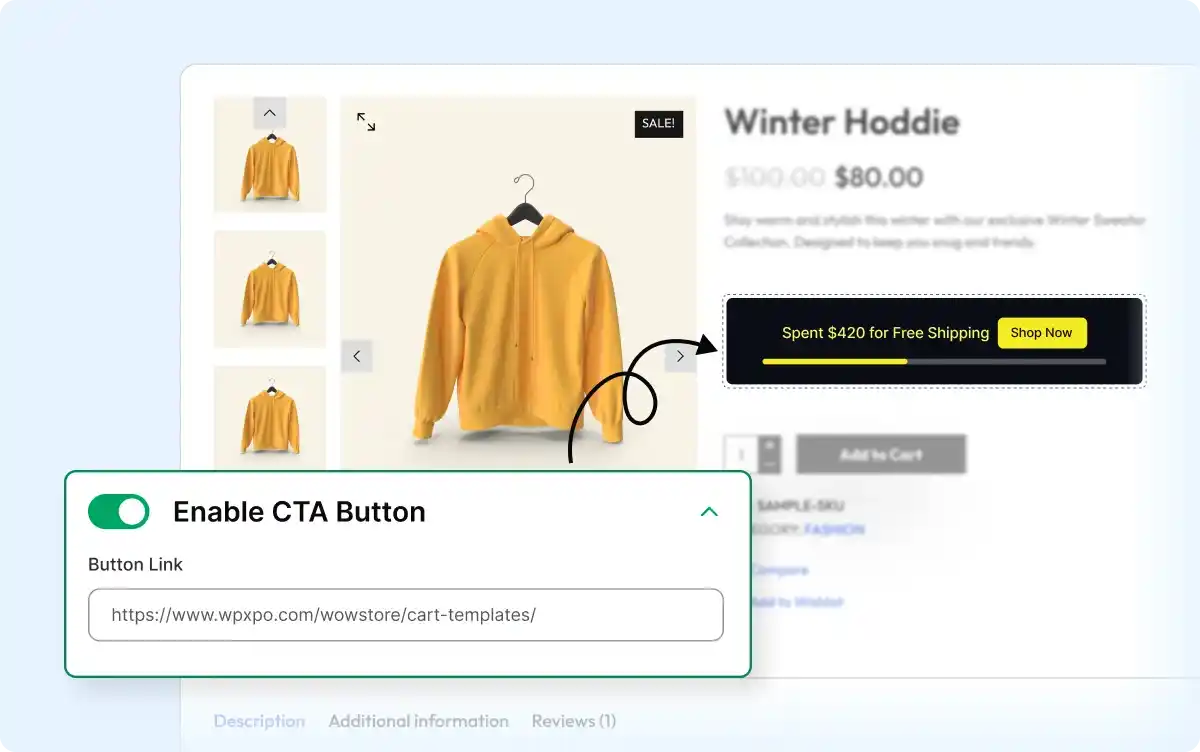
Encourage customers to take action with a strategically placed CTA button, driving them to add more items to their cart.
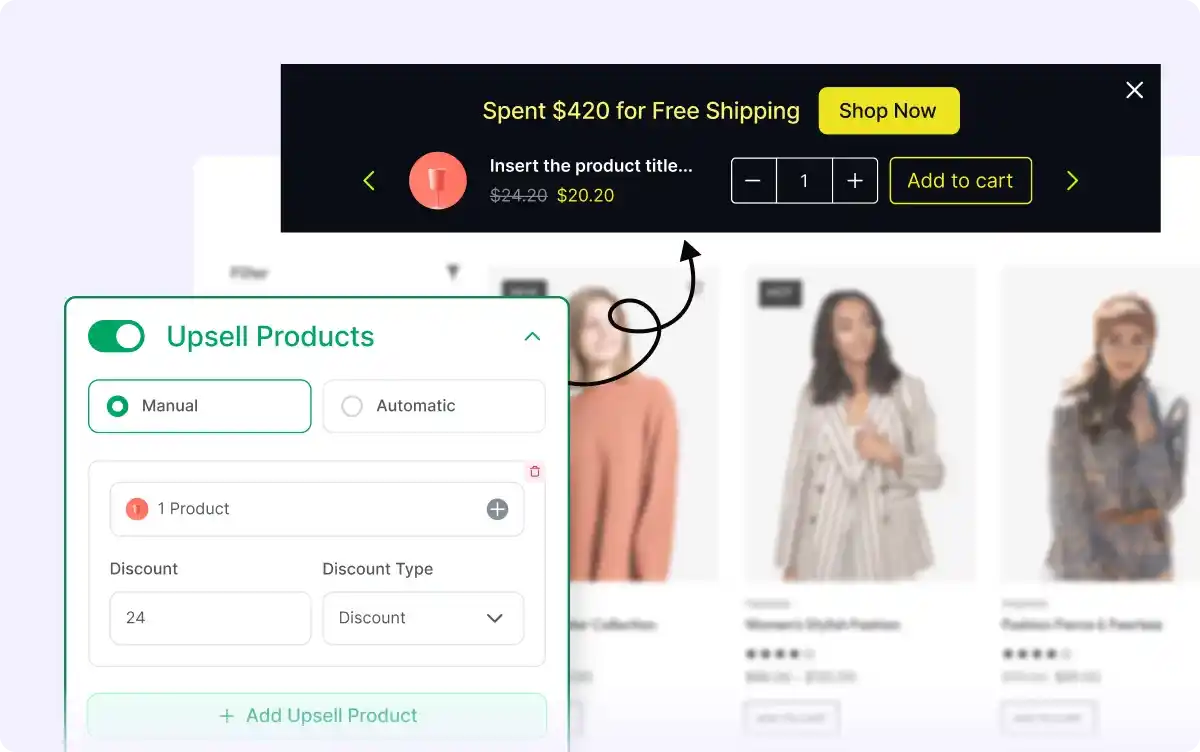
Upsell Products
Display related products with discounts to encourage customers to add more items to their cart, helping them qualify for free shipping and increase sales.
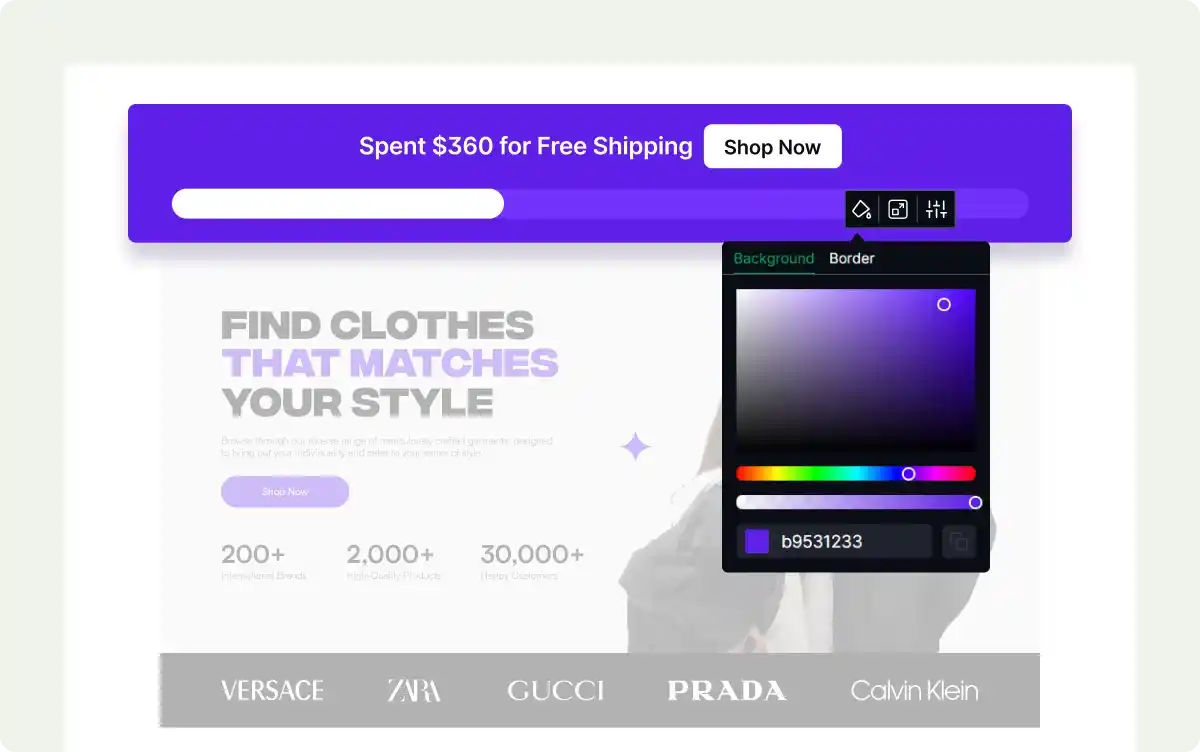
Tailor the Look of the Free Shipping Bar
Adjust the design of your free shipping progress bar to match your store’s branding, ensuring a cohesive and visually appealing shopping experience.

Celebrate When Customers Reach the Free Shipping Threshold
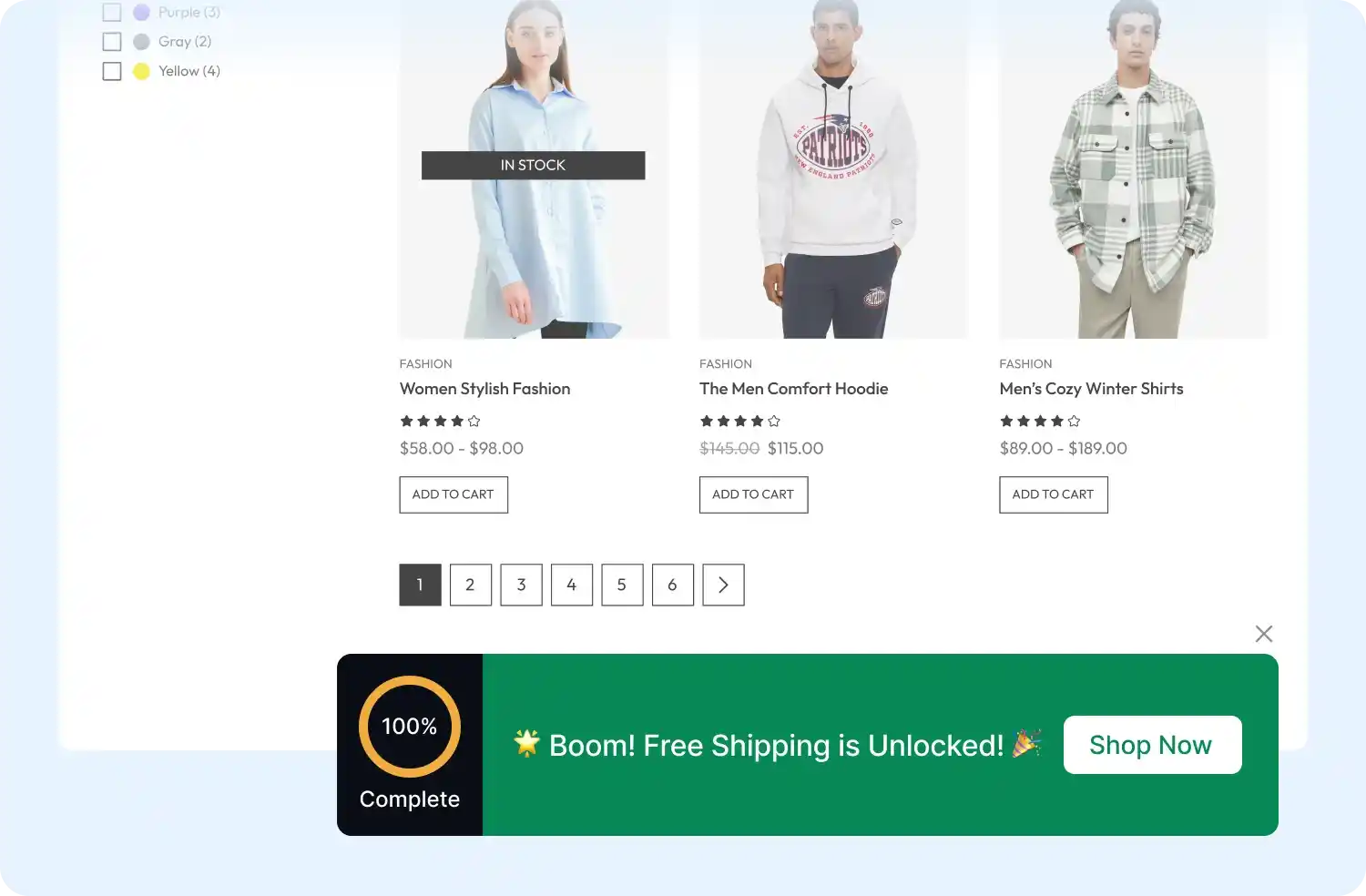
Add a celebratory touch with confetti animations when customers qualify for free shipping, making their shopping experience more rewarding and fun.
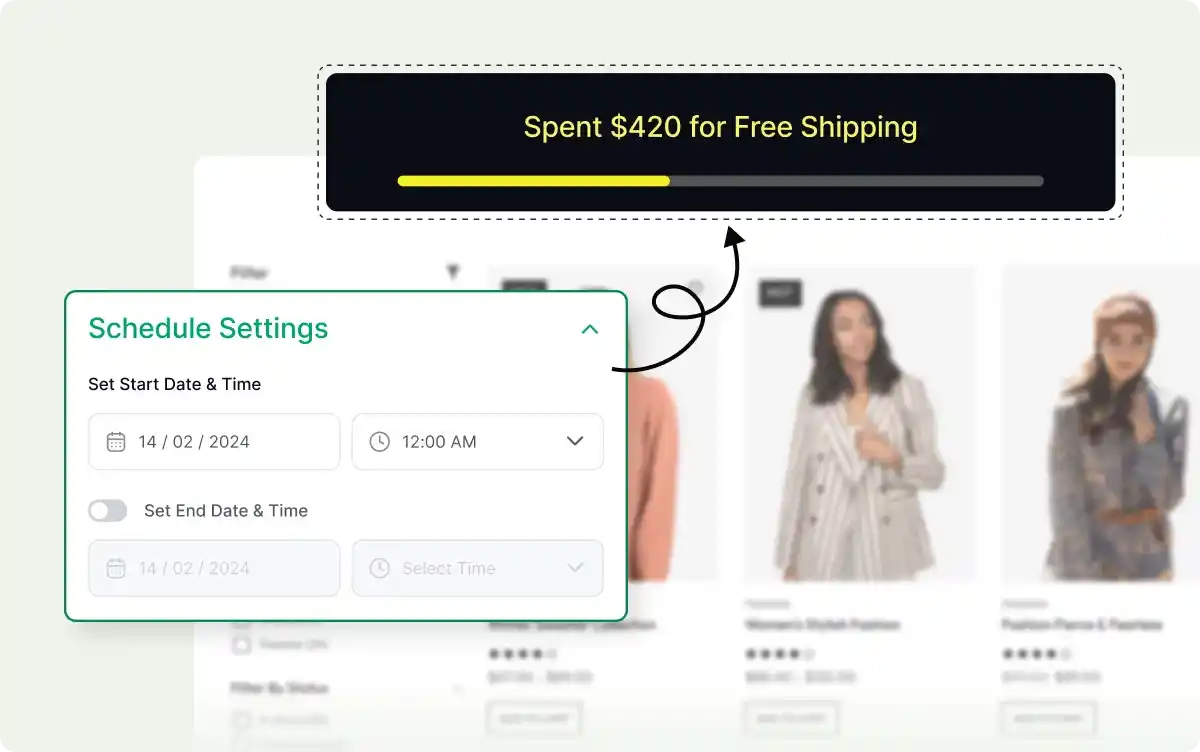
Set Specific Dates for the Free Shipping Bar
Schedule the free shipping bar to appear during specific dates or times, aligning with promotions or sales events to maximize its impact
Frequently Asked Questions
Explore these frequently asked questions about the Free Shipping Bar campaign that you might be curious about. So, you can make a quick decision about whether you want to buy it.
Feel free to contact our support team in case you have more questions.